The Cave Diver Demo Availability
Steam and itch.io access, file size, and why the slice exists before August 12, 2026.
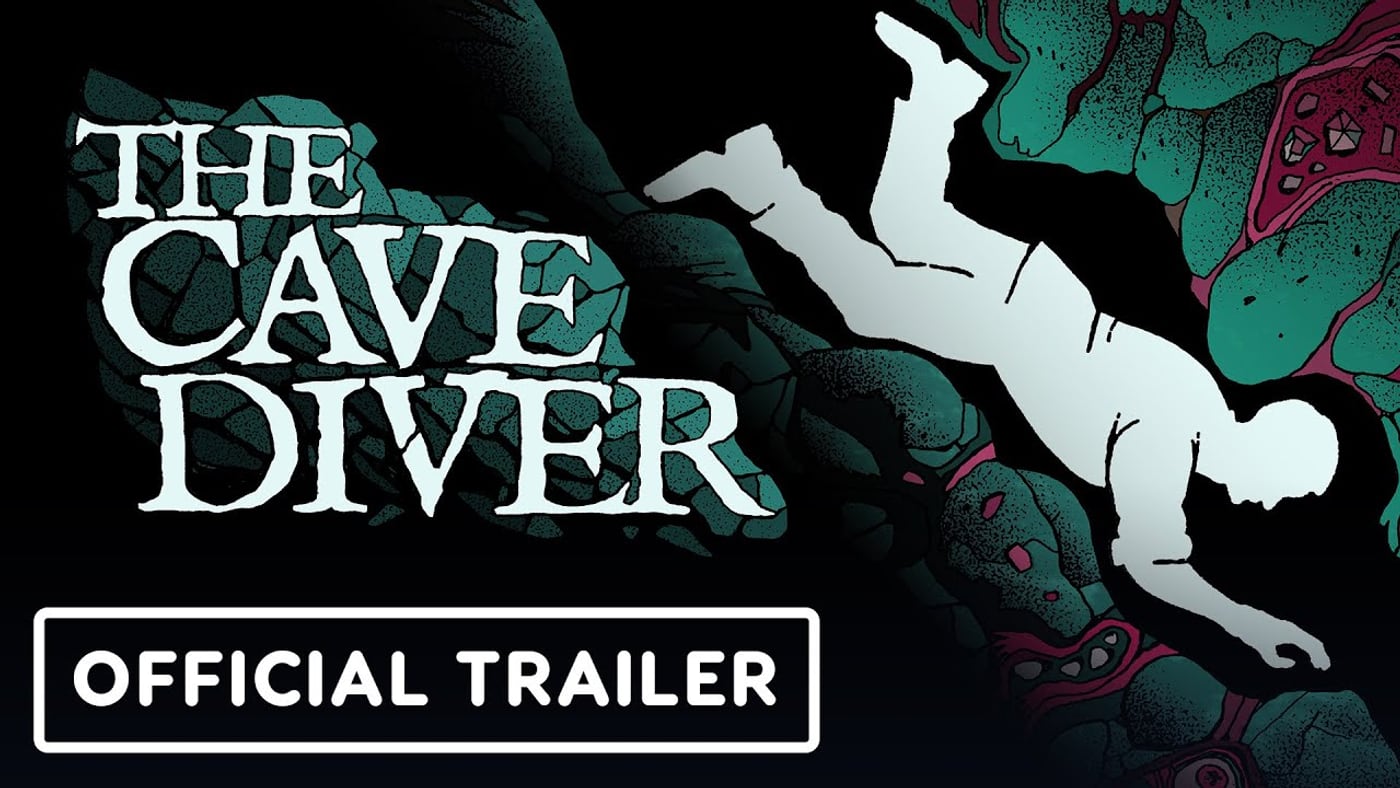
Demo Availability answers the practical question every new diver asks: where is the playable build, how big is the download, and what should you expect before the full Steam release planned for August 12, 2026? Ovsko ships The Cave Diver Demo on Steam and itch.io. The itch bundle is distributed as The_Cave_Diver_Demo_1_24.zip, approximately 216 MB. The Demo is live while the full game remains scheduled—not a post-launch afterthought.
Treat this page as the storefront map. Pair it with Download Demo Guide for install steps, Demo Walkthrough for session structure, and Demo vs Full for scope boundaries so you do not confuse teaching depth with the entire flower road.
Steam Demo path
Open The Cave Diver on Steam and look for Demo or “Download Demo” on the app hub. Steam handles updates, cloud-adjacent convenience, and the same AppID 3004390 ecosystem as the full game listing. Wishlisting the full page still makes sense if you want launch notifications even while you only install the Demo branch.
Steam is usually the simplest path if you already use the client daily. Verify System Requirements before long sessions: Windows 10 64-bit or newer, Intel i5-class CPU or newer, 8 GB RAM, GeForce GT 1030 or better, about 3 GB storage headroom, and a Vulkan-supported GPU. The Demo is smaller than the full install but the same graphics API expectations apply.
itch.io Demo path
Ovsko also hosts the Demo at The Cave Diver on itch.io. Download The_Cave_Diver_Demo_1_24.zip, extract locally, and run the Windows build from the folder. This path suits players who want a portable zip, offline archival, or a storefront outside Steam’s library UI.
Keep the zip name in mind if guides reference build numbers. If a newer Demo revision appears, compare file labels on itch and Steam rather than assuming this wiki’s size note is eternal. Re-check the itch page after long gaps.
What the Demo is designed to teach
The Demo introduces a segment of cave unexplored for decades in the fiction. You learn hand-only maneuvering: each hand tracks toward a cursor, grabs hold, and pulls your body through constricting rock. Death when stuck is not a joke reload—it is part of the horror identity explained in Death and Bodies. Signs you hammer into stone persist for the next diver, which turns failure into cartography if you read How to Place Signs.
Journals from failed explorers drip lore without requiring combat buildcrafting. The folklore hook remains visible: generations chased a flower said to cure ailments including paraplegia, and something ancient may wait below. The Demo is not a promise that you will resolve that myth inside the slice.
What the Demo is not
It is not the full three-to-five-hour campaign framing described for release. It is not a co-op lobby—The Cave Diver is solo only. It is not a forgiving checkpoint adventure. It is not a substitute for reading Controls when your deaths come from grip thrash instead of route choice.
Do not assume every junction type from the full labyrinth appears in the teaching segment. Use Branching Paths and Dead Ends as method pages that scale beyond Demo geography.
Recommended first session flow
Install from Steam or itch, confirm Vulkan stability, then open Getting Started. Spend the first minutes proving you can stop on a secure hold before chasing depth. Place entrance marks at forks early; clutter is cheaper than repeating the same lure tomb. When a corridor narrows, slow down—thrashing invents stuck deaths that teach nothing.
After one honest run, read Tips and Tricks and keep the Controls Cheatsheet visible. The embedded Demo gameplay video on this page helps set pacing expectations, but your own corpses are the better difficulty meter.
File size, bandwidth, and disk hygiene
Roughly 216 MB for the itch zip is modest by modern standards, but extract space and Steam’s install footprint still deserve a quick check on low-storage laptops. Close background capture tools if frametime wobbles in tight chambers. Update GPU drivers if Vulkan errors appear—see the requirements page for the official floor.
Demo practice calendar toward release
Week one: movement and legend only—no depth racing. Week two: journal reading and dead-end honesty with Early Cave Routes. Pre-release: audit runs with Progress Checklist and Sign Planner. Launch week: switch to Launch Day Guide and Release Date for calendar facts.
Spoiler ethics and clip hygiene
Community Demo clips will escalate before August 12, 2026. If you want folklore tension intact, prefer wiki method pages—Map, Mechanics, Guides—over spoiler compilations. The Demo exists so you can learn verbs, not so you can consume every secret on YouTube before you crawl.
Returning to the Updates hub
Sibling pages live under Updates Hub. Release timing details sit on Release Date. Buy/no-buy framing lives on Review Hub. When the full game unlocks, this Demo page remains useful as historical context for what the teaching build covered.
Closing availability frame
You do not need to wait for August 12, 2026 to know whether The Cave Diver is your kind of punishment. Steam and itch.io both offer a real, hand-crawl, sign-persistent slice today. Download once, die usefully, mark honestly, and let the Demo decide whether launch day is a wishlist click or a calm continuation of skills you already earned underground.
Frequently Asked Questions
Quick answers to common The Cave Diver questions.
Where can I download The Cave Diver Demo?
On Steam via AppID 3004390 and on Ovsko’s itch.io page as The_Cave_Diver_Demo_1_24.zip.
How large is the itch.io Demo download?
The zip is roughly 216 MB. Leave extra space for extraction and driver caches on tight drives.
Does the Demo require buying the full game?
No. The Demo is free to install while the full release remains scheduled for August 12, 2026.
What PC specs does the Demo need?
Steam lists Windows, 8 GB RAM, GT 1030-class graphics or better, and a Vulkan-supported GPU.
Which wiki page walks through Demo routes?
Use Demo Walkthrough for structure, Download Demo Guide for install help, and Demo vs Full for scope expectations.